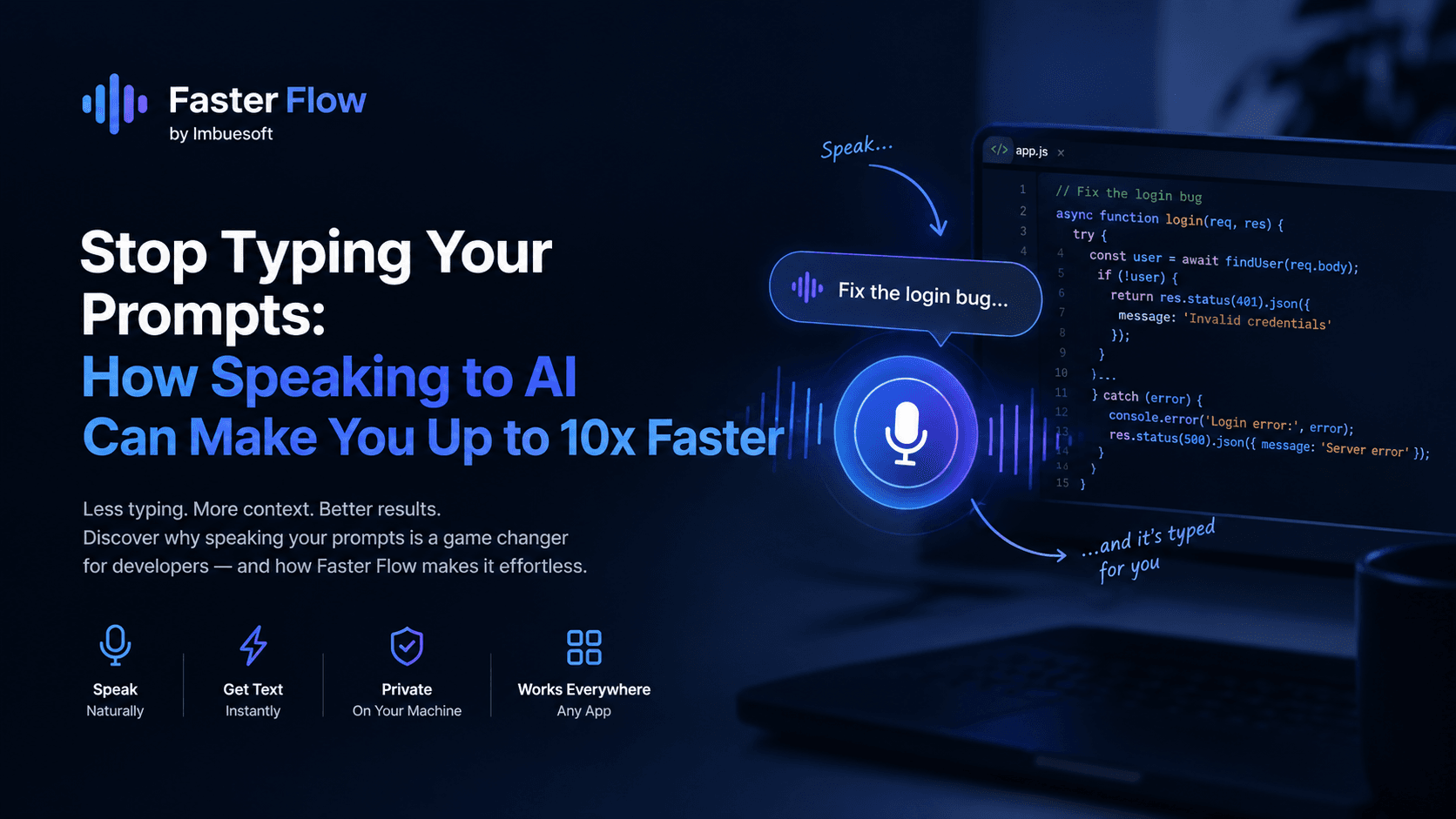
A year ago, most of my typing was code. Today, a big part of it is English. I write prompts for Claude, ChatGPT, Cursor and Copilot all day: bug reports, refactoring plans, feature specs, review notes. Some of those prompts run to 300 or 400 words, because the more context you give an AI, the better the result. Somewhere along the way I noticed that the slowest part of my workflow was no longer the AI. It was my keyboard.
Prompting is the new typing bottleneck
Good prompts are long. A useful prompt for a coding assistant explains what you are building, what you already tried, which files matter, what the constraints are and what done looks like. That is a lot of text, and typing it is slow and tiring. So most of us cut corners. We write "fix the login bug" instead of explaining the bug, and then spend three more rounds correcting the AI because it guessed wrong.
The problem is not that developers are lazy. Typing a detailed explanation simply costs more effort than saying it out loud. When you explain a problem to a teammate you happily talk for two minutes. When you type the same explanation you give up after two sentences.
Speaking is simply faster than typing
Most people speak at around 130 to 160 words per minute. The average person types at around 40 words per minute, and even fast developers usually sit somewhere between 60 and 80. A well known Stanford study found speech input to be about three times faster than typing on phones, with fewer errors.
- Fast typist at 80 WPM vs speaking at 150 WPM: about 2x faster
- Average typist at 40 WPM vs speaking at 150 WPM: nearly 4x faster
- Hunt-and-peck typist at 20 WPM vs speaking at 150 WPM: over 7x faster
That is raw speed alone. The bigger gain comes from what happens to your prompts once writing them stops being painful.
Where the real 10x comes from
When typing is expensive, you write short prompts and pay for it later in back-and-forth corrections. When speaking is cheap, you naturally give the full picture on the first try. You mention the edge case. You name the file. You say "do not touch the auth middleware". The AI gets it right the first time, and a task that used to take five rounds of typing now takes one spoken paragraph.
So the gain stacks up: your words come out faster, you write fewer follow-up prompts, and you stop losing your train of thought while your fingers catch up. For prompt-heavy work, that combination is where up to 10x comes from. Your exact number will depend on how fast you type today and how much of your day goes into writing for AI.
Your AI assistant can only be as good as the context you give it. Speaking makes giving context cheap.
What a spoken prompt looks like
Here is a prompt I dictated in about 40 seconds. Typing it would have taken me well over two minutes, and honestly, I would not have bothered to write half of it.
text
1The checkout page sometimes shows the old price after a user applies a coupon.
2I think the problem is in the cart service, because the total is cached in Redis
3and we never clear the cache when a coupon is applied. Look at the apply coupon
4route and the cart service, find where the cached total is read, and clear it
5whenever the cart changes. Do not change the pricing logic itself, and do not
6add a new package. When you are done, tell me which files you changed and why.
Notice that nothing about this is special. It is just me explaining the problem the way I would explain it to a colleague. That is exactly the point.
Why we built Faster Flow at Imbuesoft
At Imbuesoft, our developers were writing long prompts all day and ran into this exact problem. We tried the voice typing built into our operating systems and a few browser tools, and kept hitting the same walls. Some only worked inside one app. Some sent every word to a cloud server, which is not acceptable when you are describing client code. Some were slow enough that we lost our flow waiting for the text to appear.
So we built Faster Flow, a desktop dictation app for Windows and Linux designed around one idea: press a shortcut, speak, and your words are typed wherever your cursor is.
- Works in every app: your terminal, VS Code, Cursor, Claude Code, ChatGPT in the browser, Slack, anywhere you can type
- Runs entirely on your own computer: your voice is transcribed locally and never uploaded
- One global shortcut: press it to start talking, press it again and the text appears
- Uses your graphics card when you have one and falls back to the CPU when you do not
- A range of speech models, from Flow Nano for older laptops to Flow Max for the best accuracy
- Supports many languages, not just English
- Press your shortcut in any app
- Speak your prompt naturally, as if you were explaining it to a teammate
- Press the shortcut again
- The text is transcribed on your machine and typed at your cursor
- Glance over it, fix anything that needs fixing, and hit enter
Tips for dictating better prompts
- Think out loud. Rambling a little is fine; AI models are very good at pulling the intent out of natural speech
- Lead with the goal, then the context, then the constraints
- Say file and function names clearly, then glance at the result before sending; technical names are where speech models slip most often
- Keep code itself on the keyboard. Voice is for explaining, typing is still best for exact syntax
- Use a decent microphone. Even a basic headset mic is a big step up from a laptop's built-in one
Try it yourself
Faster Flow has a free plan with 1,000 words a week, no card needed, which is enough to find out whether talking to your AI suits you. Try it for one day: every time you are about to type a long prompt, say it instead. I think you will be surprised how much more you say, and how much better the answers get.
Your keyboard is great for code. For explaining what you want, your voice is simply faster.
Checkout Faster Flow Here: https://fasterflow.imbuesoft.com/