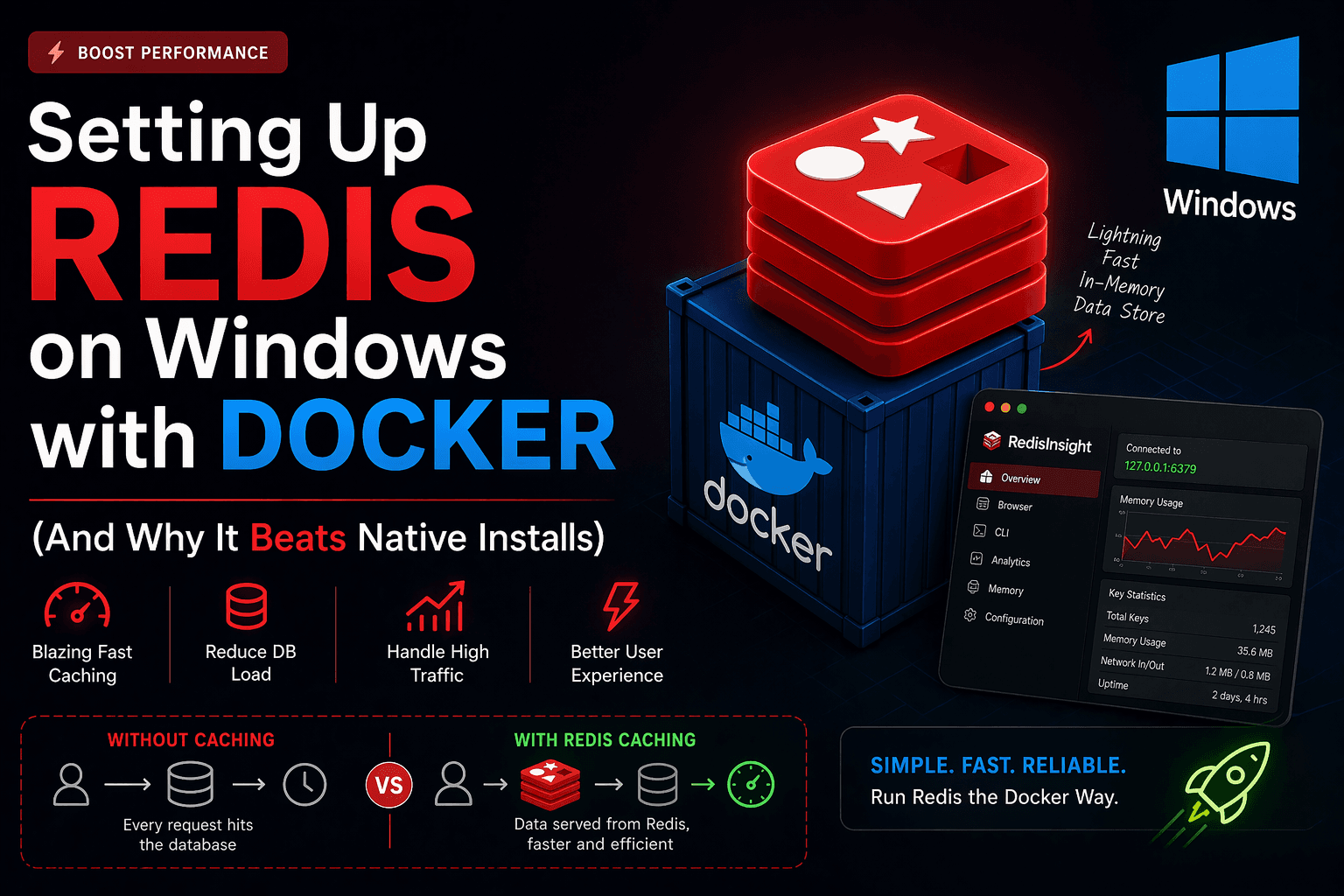
What is Redis and Why Should You Care?
Redis is an in-memory data store commonly used as a cache, database, and message broker. Because it stores data in RAM instead of disk, it is extremely fast compared to traditional databases.
In modern applications, speed is everything. Even a delay of a few milliseconds can impact user experience. This is where Redis becomes powerful.
What is Caching?
Caching is the process of storing frequently accessed data in a fast-access storage layer so that future requests can be served quicker without hitting the main database.
- Reduces database load
- Improves response time
- Handles high traffic efficiently
- Enhances user experience
Don’t make your database do the same work twice - cache it.
Example Without Caching
Every request hits the database, even if the data hasn’t changed. This leads to unnecessary load and slower performance.
Example With Redis Caching
The first request fetches data from the database and stores it in Redis. Future requests are served directly from Redis, making them significantly faster.
Why Use Docker for Redis on Windows?
Running Redis natively on Windows is not officially supported and often requires workarounds like WSL. Docker solves this problem by providing a consistent Linux environment.
- No complex installation steps
- Consistent environment across machines
- Easy to start and stop services
- Isolation from your main system
If it runs in Docker, it runs the same everywhere.
Docker Compose Setup for Redis
Below is a simple Docker Compose configuration to run Redis along with RedisInsight for GUI-based management.
yaml
1name: redis
2
3services:
4  redis:
5    image: redis:latest
6    ports:
7      - 127.0.0.1:6379:6379
8    volumes:
9      - redis_data:/data
10
11  redisinsight:
12    image: redis/redisinsight
13    ports:
14      - "127.0.0.1:5540:5540"
15    depends_on:
16      - redis
17    volumes:
18      - redisinsight_data:/data
19
20volumes:
21  redis_data:
22  redisinsight_data:
What This Setup Does
- Runs Redis server on port 6379
- Runs RedisInsight UI on port 5540
- Persists data using Docker volumes
- Ensures Redis starts before RedisInsight
Why This Setup is Better Than Native Redis
- No dependency issues or broken installations
- Works perfectly on Windows without hacks
- Easy to reset or rebuild environment
- Comes with a built-in UI (RedisInsight)
- Portable and team-friendly setup
Real-World Use Cases of Redis
- Caching API responses
- Session storage
- Rate limiting
- Real-time analytics
- Leaderboard systems in games
Final Thoughts
Using Redis with Docker on Windows is the simplest and most reliable way to integrate high-speed caching into your application. It removes setup headaches and gives you a production-like environment instantly.
If performance matters in your app, Redis is not optional - it's essential.